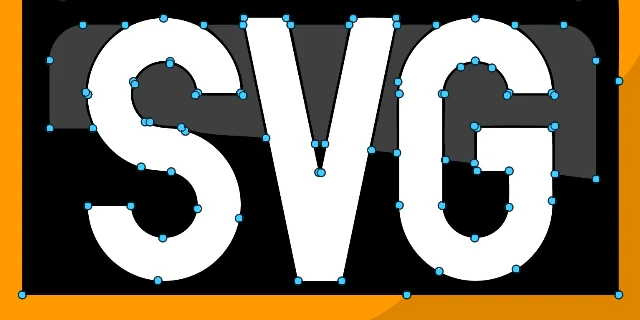
Curves you can edit
Show the nodes, drag one, round a corner. Ctrl+Z undoes anything.
Free · Offline · Windows
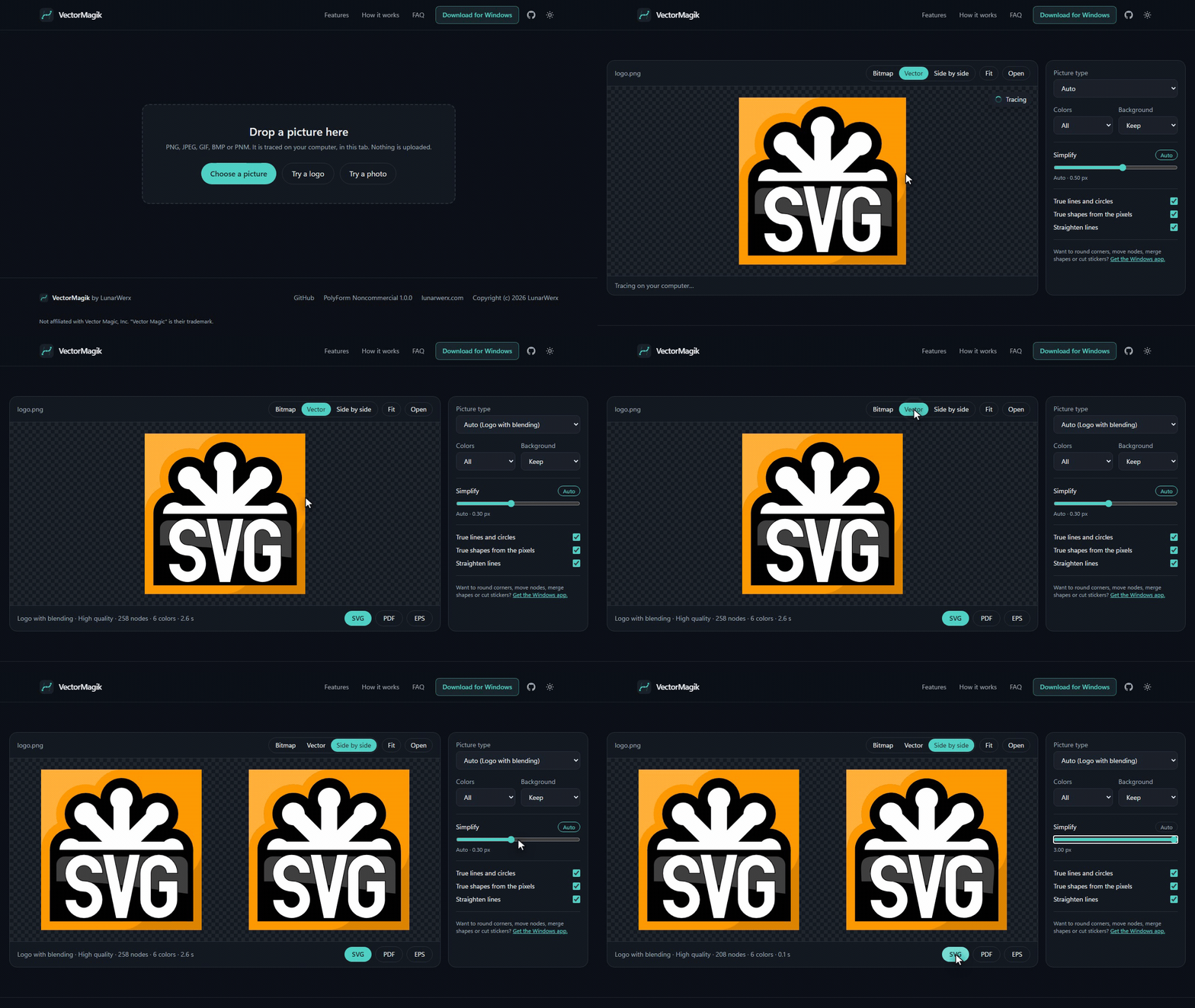
Drop in a PNG, JPEG, GIF or BMP. Get SVG, PDF or EPS back, made on your own PC.
Portable zip. No installer, no account, no internet.
Show the nodes, drag one, round a corner. Ctrl+Z undoes anything.
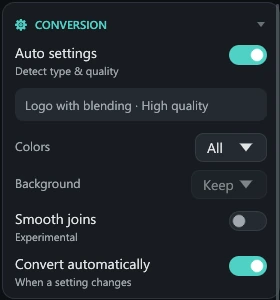
Spots logos, pixel art and photos, and picks the settings.
Real lines, circles and rounded rectangles, with fewer nodes.
Use 1 to 64 colors, or add a die-cut sticker outline.
Any size, or drag the file straight out of the window.
 SourceVector
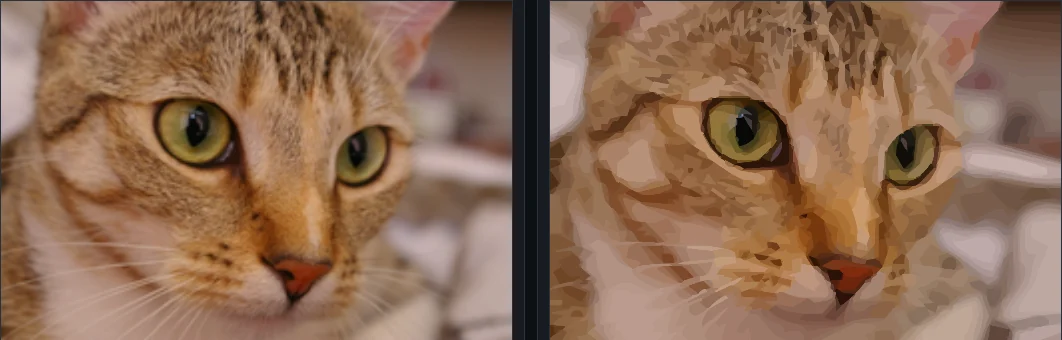
Photographs trace into smooth color regions.
Drop in a picture.
One click.
Only if you want to.
SVG, PDF or EPS.
Yes, for personal and other noncommercial use, under the PolyForm Noncommercial License 1.0.0.
No. The Windows app works offline, and the browser version never uploads your picture.
It needs a license from LunarWerx. Open an issue on GitHub to ask.
No. It is an independent Rust reimplementation.